Tools (Network Diagnostics)
InfraWatch shows you that something is wrong. The Tools section helps you find out why – without reaching for a second app.
All tools run directly on your device. They talk to the target host themselves; nothing is sent to InfraWatch servers and no monitoring instance is involved.
Opening the Tools
Open the menu (☰) and tap Tools.
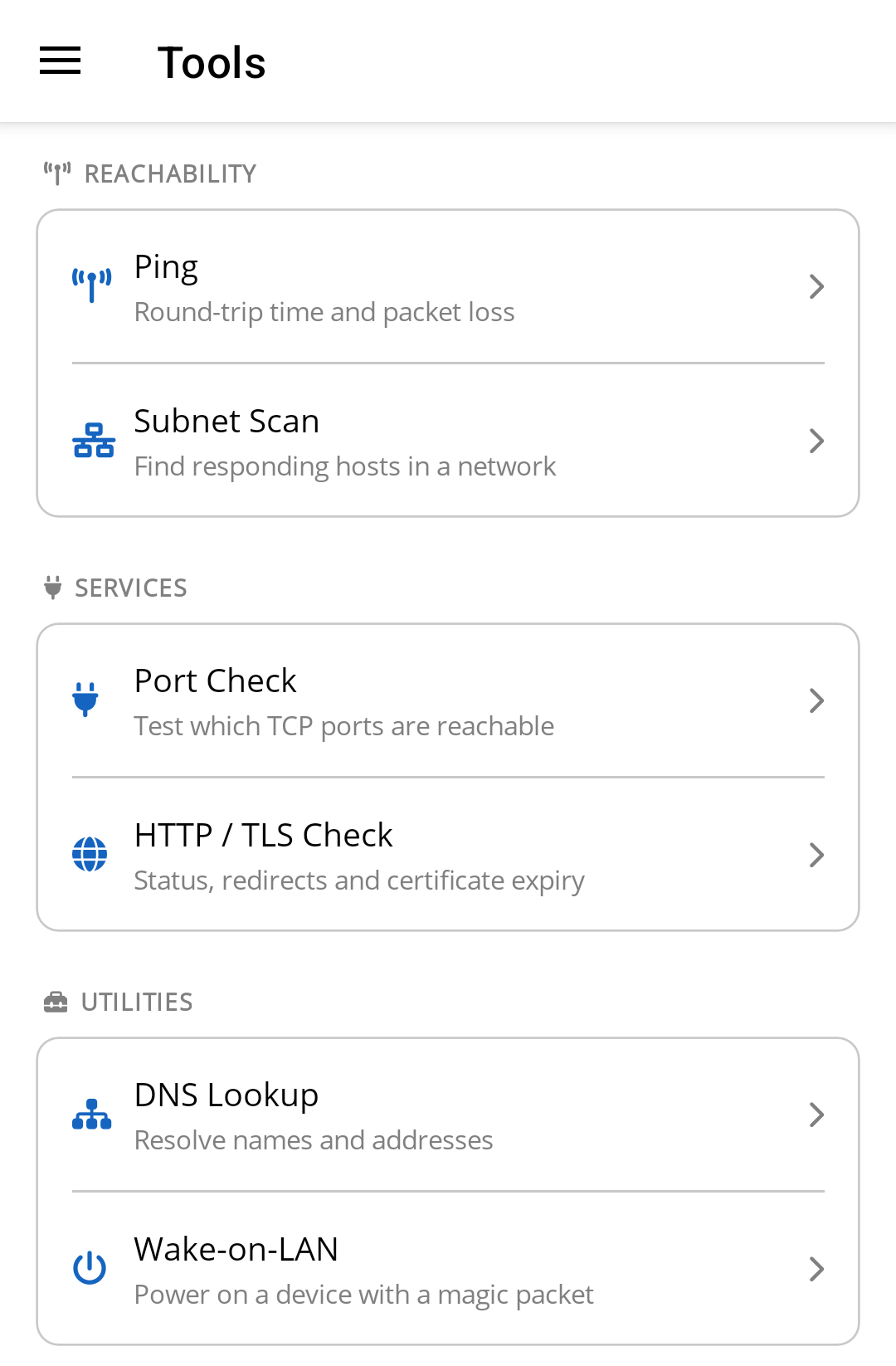
Available Tools
| Tool | Answers the question |
|---|---|
| Ping | Is the host reachable, how fast, and how stable? |
| Subnet Scan | Which devices are alive in this network? |
| Port Check | Is the service listening on its port? |
| HTTP / TLS Check | Does the website answer, and when does its certificate expire? |
| DNS Lookup | Does the name resolve to the right address? |
| Wake-on-LAN | Can I power this device back on? |
Things Every Tool Can Do
Recently Used
Each tool remembers the last eight addresses you entered. Tap an entry under RECENT to fill the field and run it again in one step.
The list is kept per tool and survives restarting the app.
Copying the Result
The copy button next to the start button puts the whole result into the clipboard as plain text – ready to paste into a ticket or a chat message.
💡 Tip
Copy the result before you start the next measurement. Starting a new run replaces the previous result.
Before You Scan
The first time you use Port Check or Subnet Scan, InfraWatch asks you to confirm one thing:
Only scan networks and devices that you own or are authorised to test.
Scanning third-party systems without permission may be unlawful in your country. The question is asked once and then remembered.
To keep runs short and easy on the battery, a single port scan covers at most 1024 ports, and a subnet scan covers at most a /24 (256 addresses).
Platform Notes
🍎 iOS: local network permission
The first time a tool contacts a device in your local network, iOS asks for permission. If you decline, all local scans fail silently – with a timeout rather than an error message.
You can re-enable it later under Settings → InfraWatch → Local Network.
ℹ️ Ping without ICMP
Some devices do not permit ICMP. Ping then measures a TCP connection instead and says so above the results. Those times are connection times, not true ping round trips – use them for comparison, not as absolute values.
ℹ️ Current limitations
The tools work over IPv4. Traceroute is not yet included.